On Google Play
Trading Journal
Backtest, AI coach, and a professional journal
Journal every trade, backtest strategies, import MT4/MT5 history, and get AI analysis for Forex, Gold, Bitcoin and NAS100.
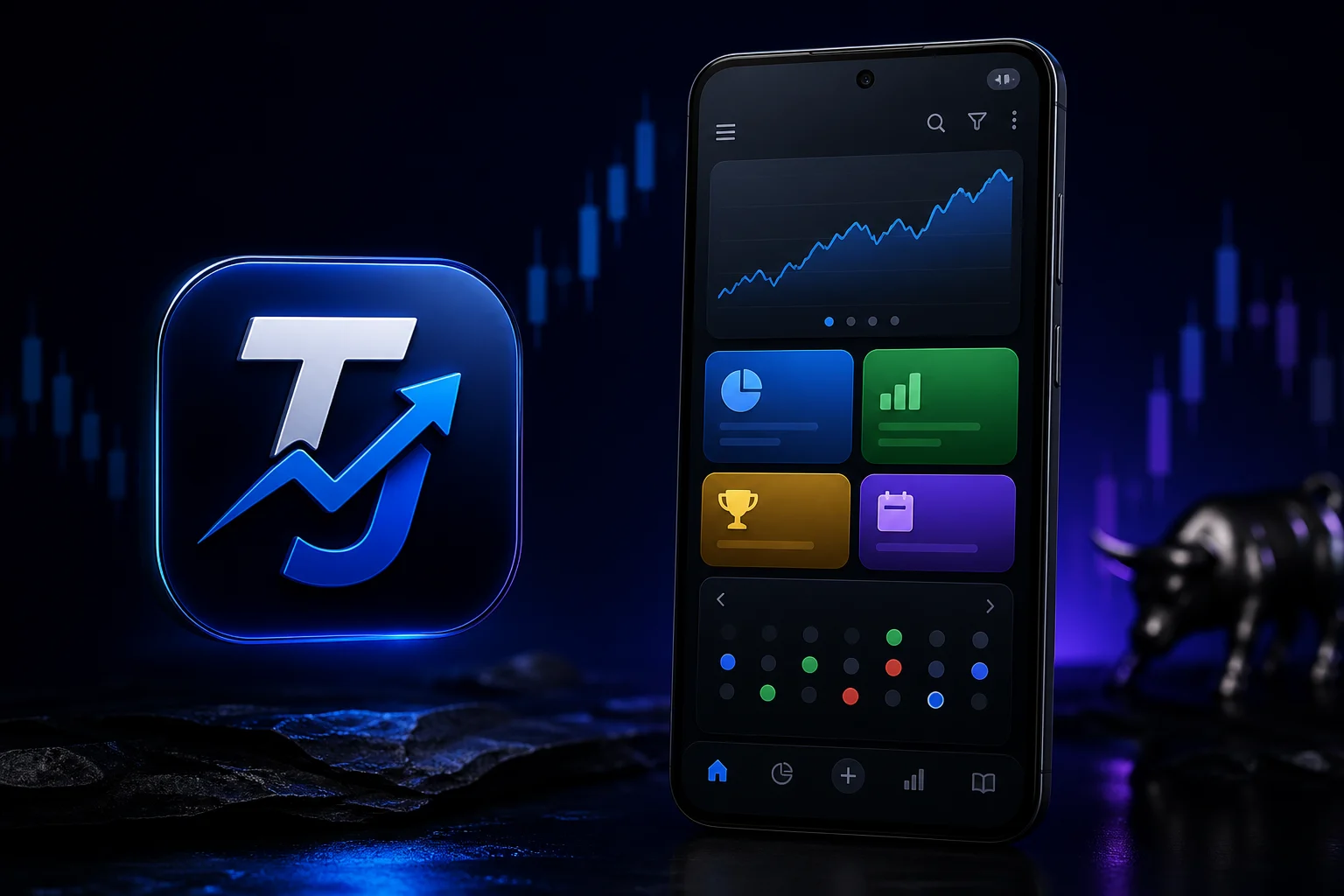
Built for traders who review, not guess
Trading Journal is an Android app for Gold, Forex and crypto traders who want a cleaner process: log the setup, review the result, and improve with AI. Track. Analyze. Trade smarter.
Journal, backtest, then improve
Use the visual gallery for entries and screenshots, backtest ideas before you risk live capital, and let the AI coach show which hours and symbols actually pay you. Pair it with Trade Journal Pro on the web to import MT5 CSV/HTML and review the same history on desktop.
What you can do in the app
- Advanced trading journal — Log entry, exit, SL, TP, lot size, P/L and risk. Attach screenshots and tag FOMO, revenge, fear and other emotions.
- Pro backtesting — Practice Forex, XAUUSD, crypto and NAS100 strategies with virtual demo trading and performance stats.
- AI trading coach — Find your best hours, pairs, setups, win rate, profit factor and risk-reward from your own history.
- MT5 sync & cloud backup — Monitor MT5 accounts, import MT4/MT5 history, and back up your journal to the cloud.
- Position size & alerts — Size trades with a risk calculator, follow the economic calendar, and set price alerts for Gold and FX.
- Strategy playbook — Study Gold, Bitcoin and Forex setups with technical screenshots and daily market analysis.
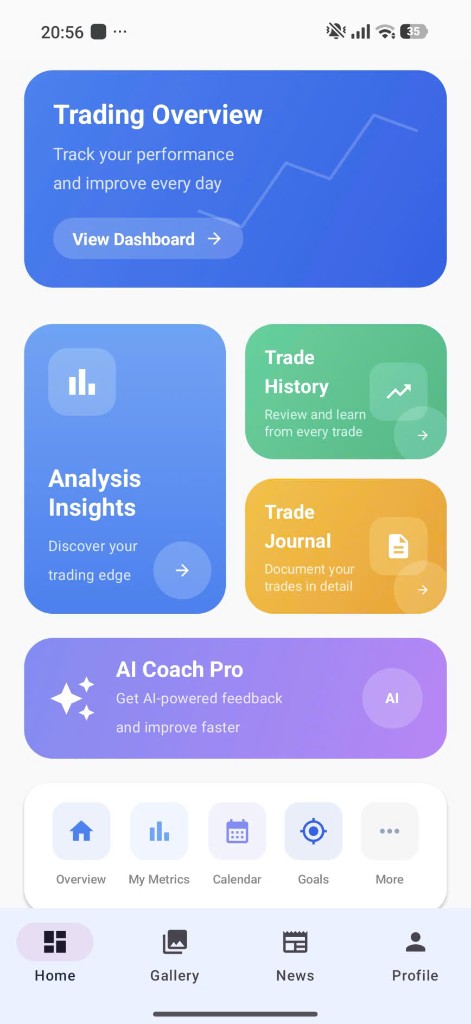
Open your dashboard, analysis, journal, and AI Coach from one home screen.
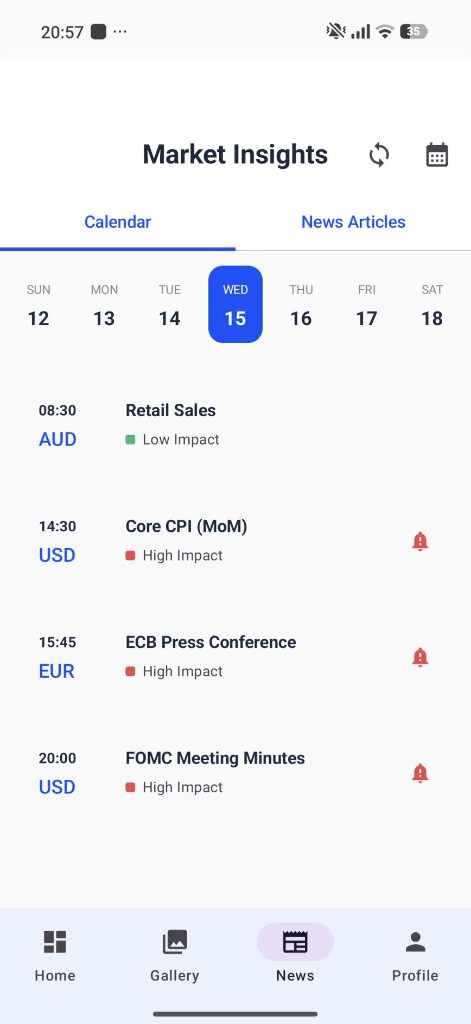
Get alerts for high-impact news so you know when to trade — and when to wait.
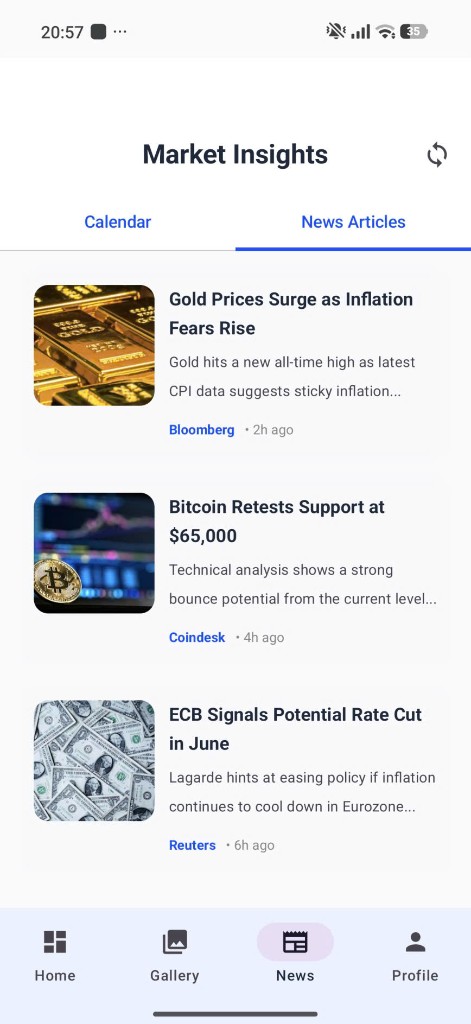
Read Gold, Bitcoin, and FX news alongside the signals you follow.
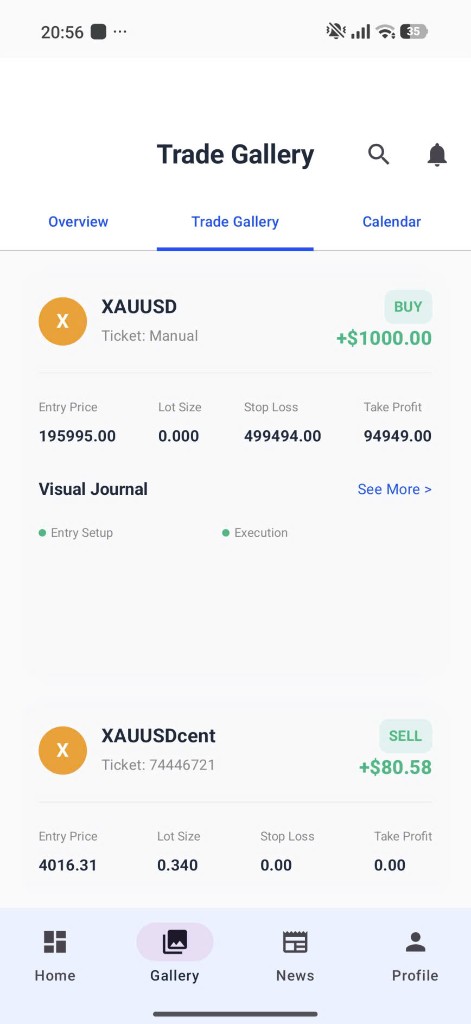
Review XAUUSD and FX trades with entry setup and execution screenshots.
How to download Trading Journal
- Open the Google Play listing for Trading Journal.
- Tap Install on your Android phone.
- Launch the app and start with the home dashboard.
Trading foreign exchange, Gold, crypto and CFDs involves substantial risk of loss and is not suitable for every investor. App content, signals, alerts and educational material are for information only and do not constitute investment advice. Market data availability may vary.